





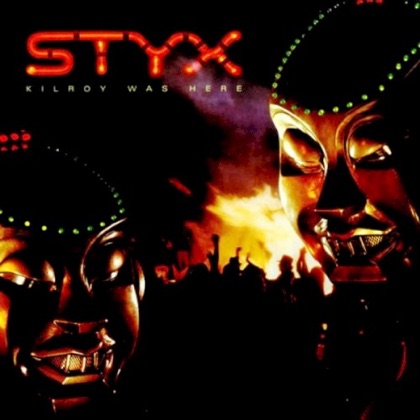
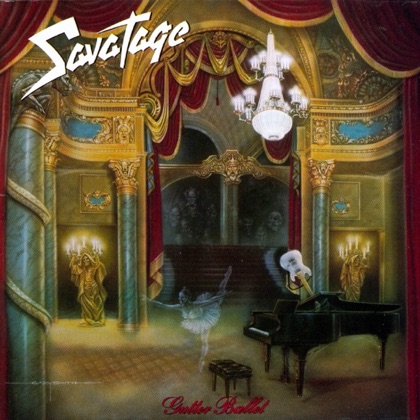
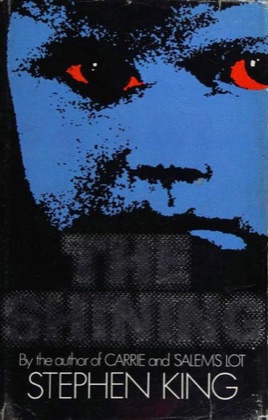
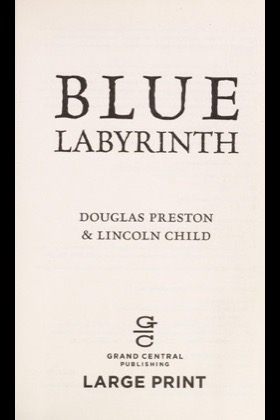
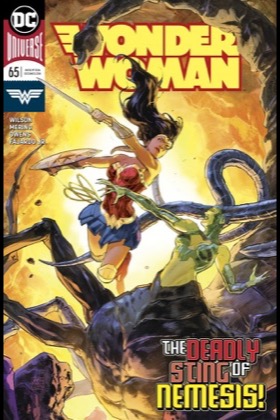

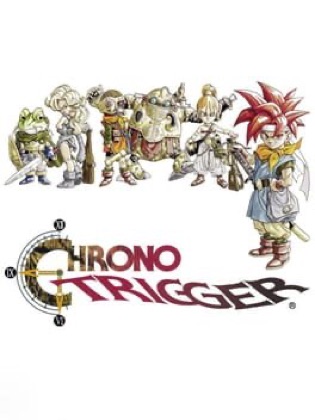
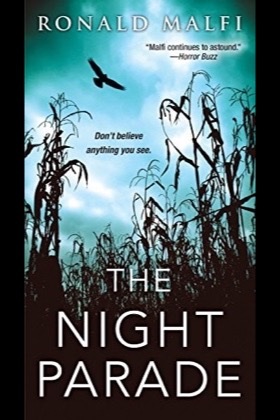

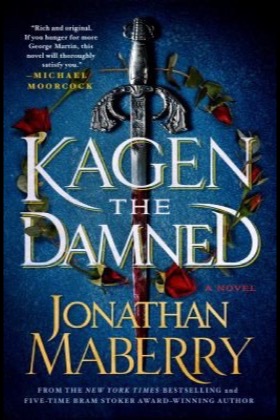
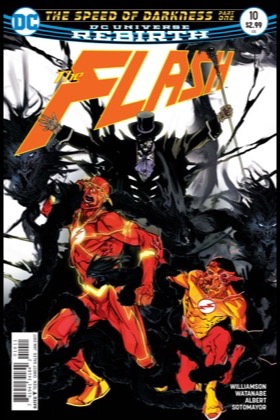
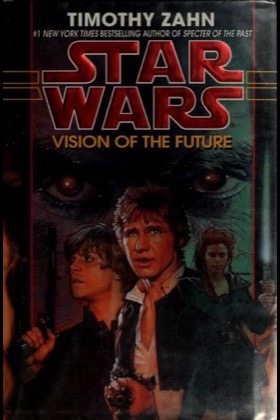
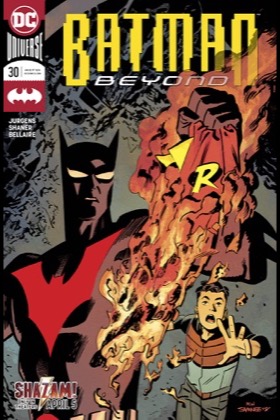
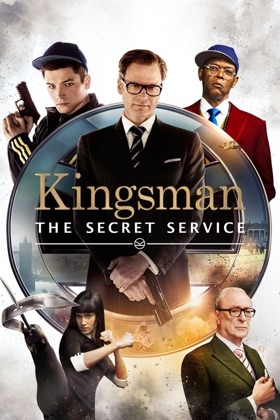
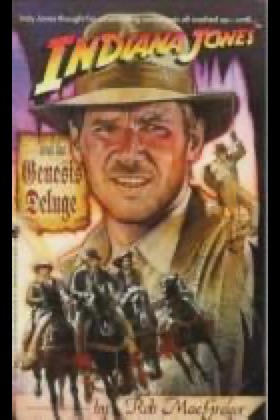
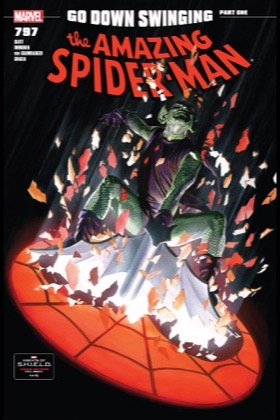
For collectors of movies · TV · music · books · comics · games
Every case, kept.
Keptcase is the iPhone and iPad app for your physical shelf. Scan a barcode, watch it land in your collection with cover art, editions, condition, and what it's worth. Then scan again in the shop, and your shelf tells you whether you already own it.
Android is coming. Leave your email and hear the day the first build is ready to try.
The details collectors actually track.
Your collection is on a shelf, not in a spreadsheet. Keptcase is for people who still buy the disc, the record, the hardback and the cartridge, and want it all catalogued properly, valued honestly, and beautiful to scroll.
Movies, TV, music, books, comics and games each get their own shelf, with the details that matter to that format: directors and studios, networks and seasons, artists and record labels, authors and publishers, writers and imprints, platforms and regions. One subscription covers all six. No per-hobby stacking.
Own a film on VHS, DVD and 4K? Keptcase folds them into one card while keeping each copy's own condition, value and history. A box set knows what's in the case, one film, a double feature, or a run of seasons, and the app can propose a box's contents from the label's own listing. Filter by boutique label or studio to pull up everything from one imprint.
A standard edition and a limited slipcover are not the same disc. Keptcase keeps a catalogue of boutique releases, the labels listed just below, straight from their own published listings, so you can pick the exact release sitting on your shelf, with its catalogue number and barcode. Ownership is settled on that identifier, never on a title, so a film you own in one edition never marks another as owned.
- Trailers, full cast and More Like This for films
- Season and episode breakdowns for TV
- Screenshots and platform details for games
- Full tracklists for albums
- Descriptions and author details for books
- Search by actor: "Nicolas Cage" finds every film he's in
Log every watch, listen, read and play with a rating and a note. For a show, pick the season, then tick the episodes, and the diary knows how far you are. History is drawn as ticket stubs on every item page. Get a monthly recap, a shareable year-in-review card, and stats on your collecting by decade, genre, format and creator, with TV hours and episodes counted. Forty-six collector badges mark the milestones, and a watch can go straight to Letterboxd.
Condition and completeness, purchase price and date, who you loaned it to, personal ratings and notes, custom cover photos you shoot yourself, and every format from 4K and steelbook to vinyl, cassette, hardback and cartridge.
Follow the labels you actually buy from and Keptcase watches their calendar, the annual sales and the flash drops, then tells you which titles on your wishlist are in it. Prices are tracked per shelf, and every one is shown in the currency the seller quoted it in, never silently converted.
Three widgets: your collection's size and estimated value at a glance, a quick-actions tile for scan, add, ask and pick, and a rotating showcase of covers from whichever shelf you choose, in small, medium and large.
Import a CSV from whatever you use now, and sync ratings and watch dates from a Letterboxd export. Re-importing the same file is safe: items are updated, never duplicated. Optional cloud backup restores your whole shelf onto a new phone.
Boutique labels
The labels in the catalogue.
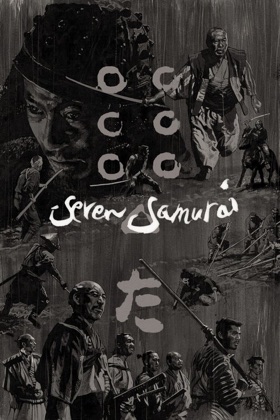
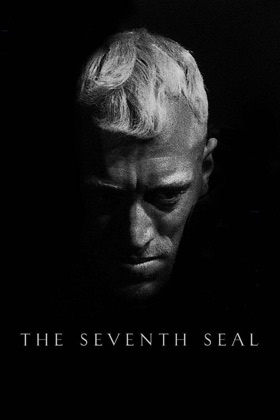
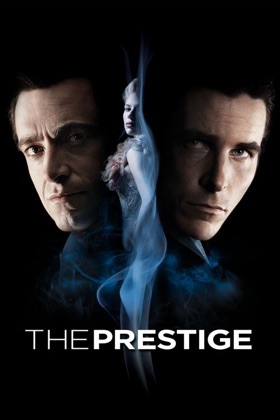
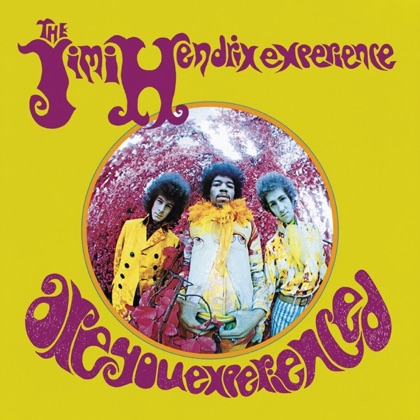
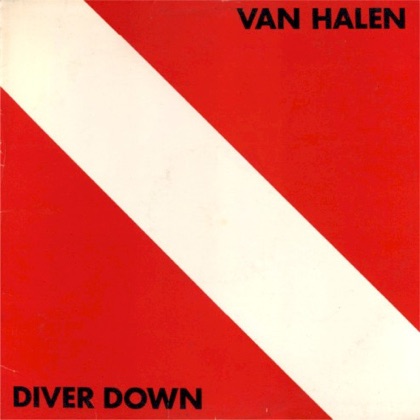
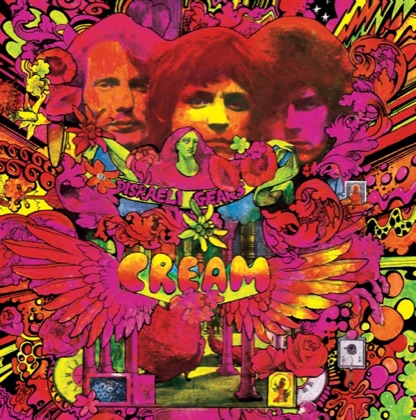
Every release here comes straight from the label's own published listing, with catalogue number, barcode, format, region and release date, so you can name the exact disc on your shelf, and Keptcase can tell it from every other release of the same film. Record labels are in the catalogue too, Waxwork, Numero Group, Mondo, Light in the Attic, Sacred Bones, Music On Vinyl, iam8bit and Third Man, with their vinyl, CDs and cassettes, pressing colours, catalogue numbers and, where the label names one, the artist.
Film labels Blu-ray, 4K and DVD
Record labels Vinyl, CD and cassette
15,978 releases across 25 labels. More labels are being added regularly, and every catalogue is re-read from the label each week.
Scan to shelf
Point, scan, shelved.
Scan any barcode and Keptcase does the rest: title, cover art, director or artist, edition, and format, matched from TMDB, MusicBrainz, Open Library, and IGDB. Batch mode keeps up with a whole stack of cases, with a tap to correct any row that picked the wrong film. Or photograph your own copy and the cover is yours.
Real app screenshot: a collector's movie shelf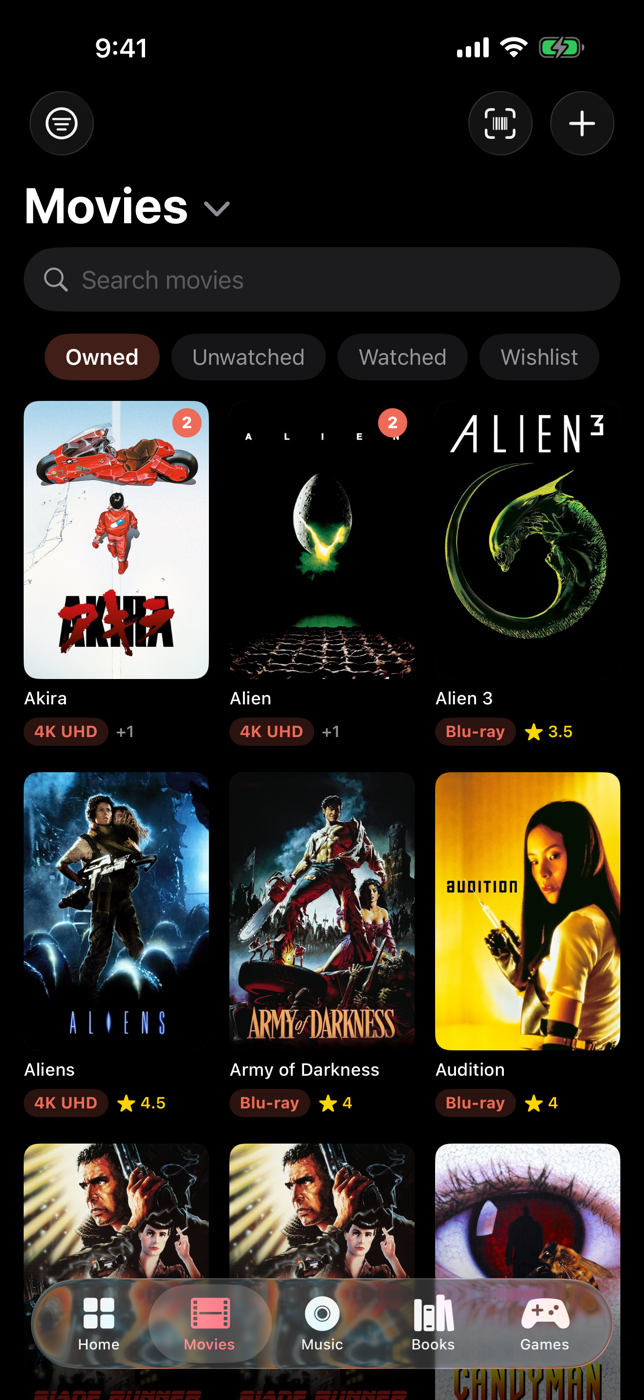
Check my shelf
In the shop, wondering if you own it?
Case in hand, no idea whether it's already on the shelf at home. Scan the barcode, or just type the title, and your shelf answers on the spot: on your shelf, on your wishlist, not on your shelf, or "you own this film, but not this release", naming both editions. Tap the answer to open your copy, or add the new one right there.
Real phone capture: a Blu-ray scanned over the VHS at home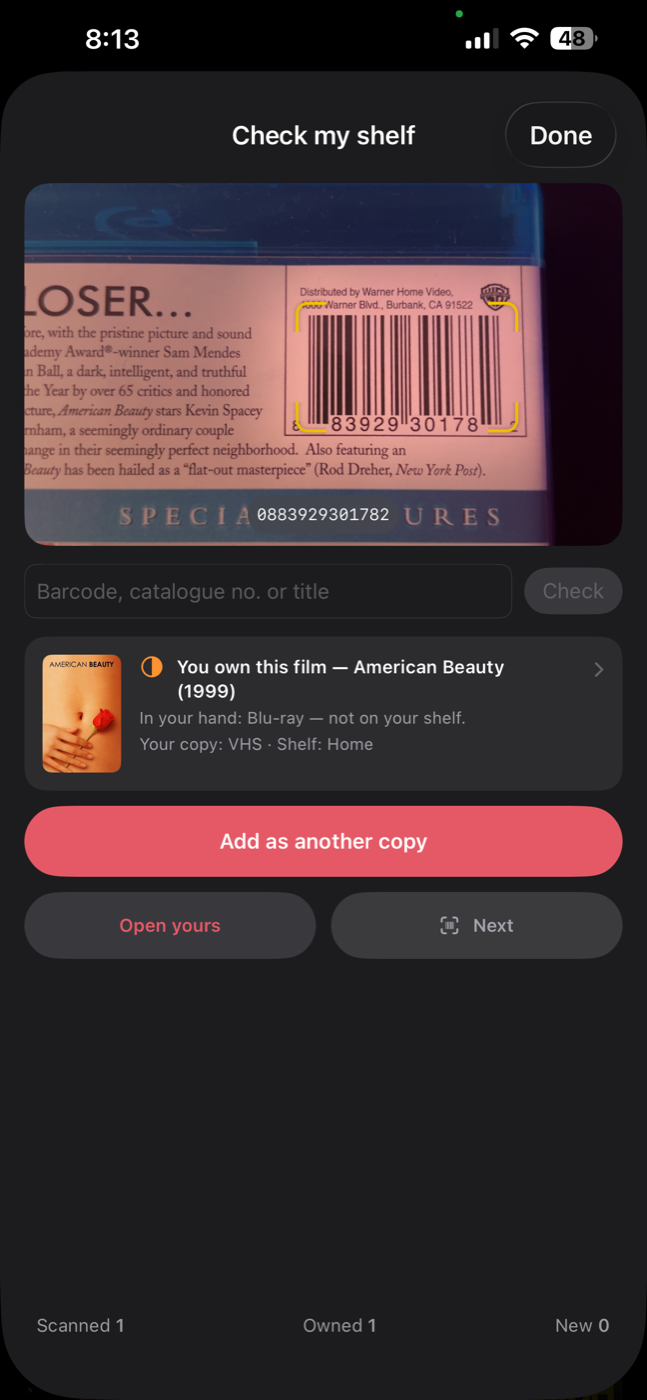
Series pages
The whole run, and the gaps.
Your Goosebumps books, film collections and TV shows fold into series cards. Open one for the run in order: what you own, what's on your wishlist, and every gap named, each with a Wishlist button. A book family's lines sit on the page with their own progress; a show's page lists its seasons and how far you've watched.
Real app screenshot: a book series page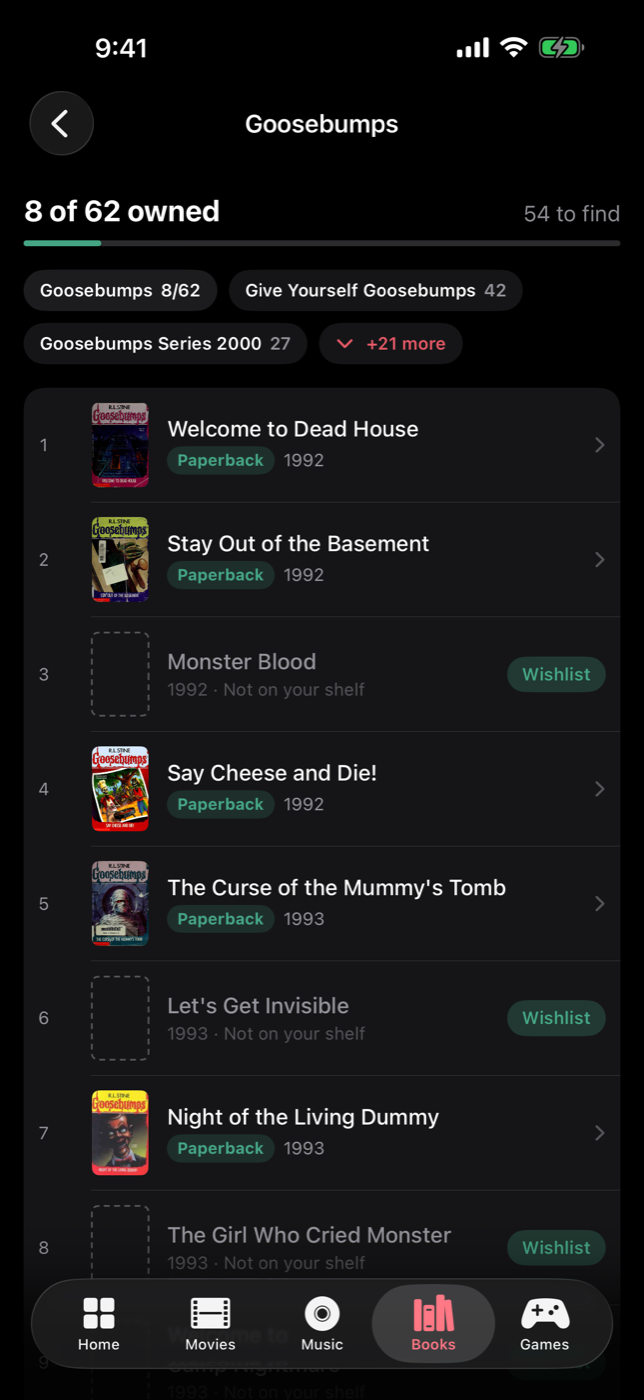
Tonight's Pick
Your shelf knows what's next.
One tap picks tonight's movie from what you own, tuned to your ratings and watch history. Or just ask: on-device Apple Intelligence answers questions like '90s horror I haven't watched' without your collection ever leaving your phone.
Real app screenshot: the Keptcase home screen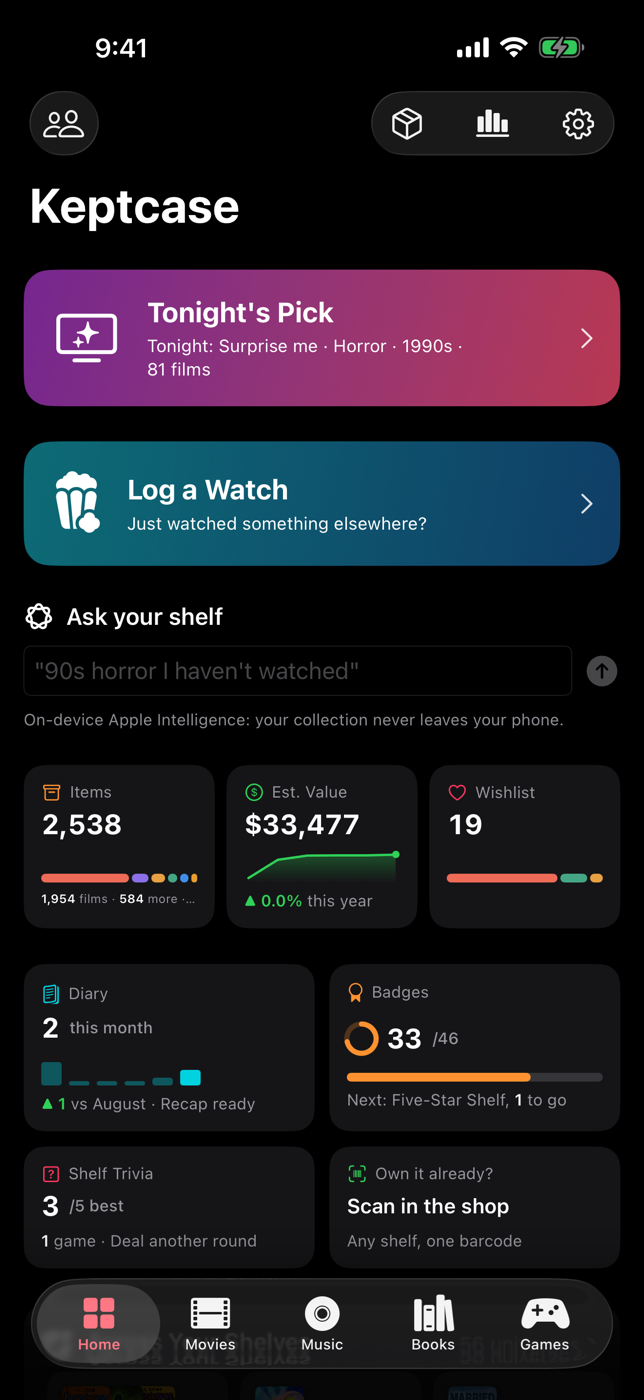
The book shelf
Paper, ink, and everything between.
Hardcovers, paperbacks, first editions, graphic novels, scanned by ISBN and matched from Open Library, with Keptcase's own series list filling in where a library catalogue runs thin. Track what's read and unread, keep a reading diary, and wishlist the ones that got away.
Real app screenshot: the book shelf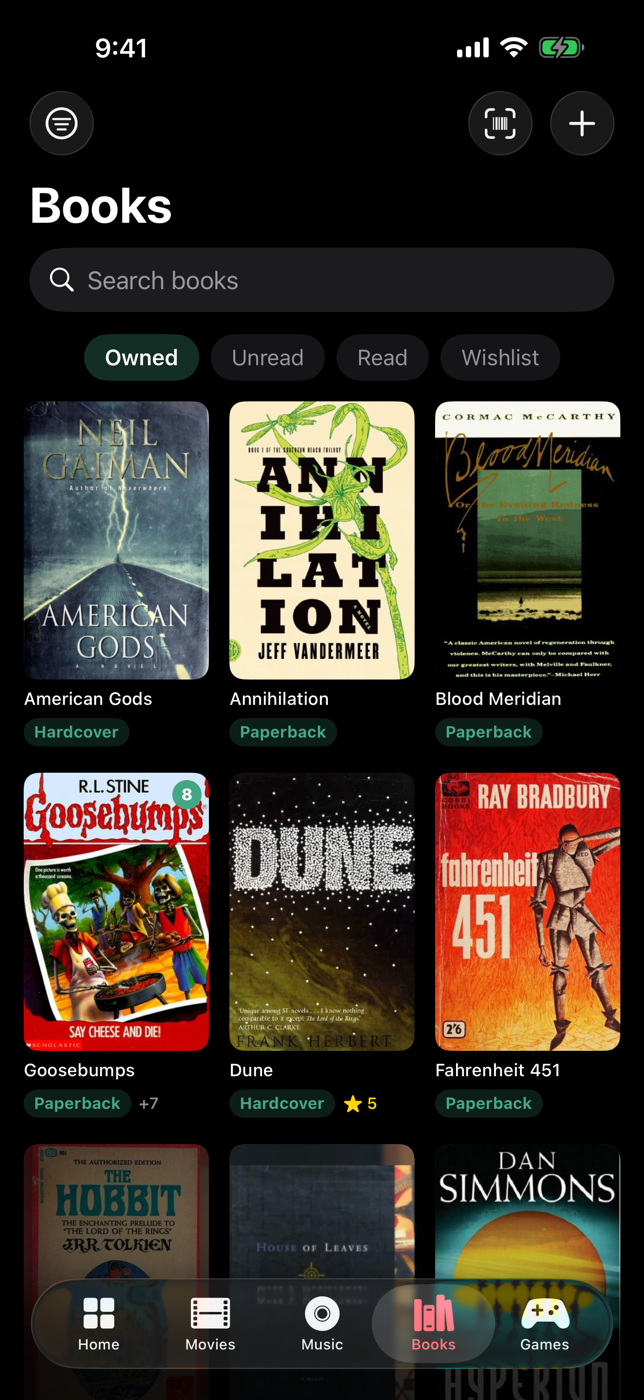
The comics rack
Floppies, trades, and the whole run.
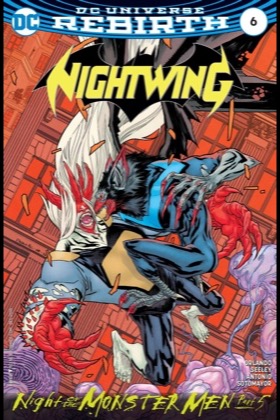
Comics are their own rack: single issues, trade paperbacks, omnibuses and graded slabs, with publisher and writer. Scan a floppy and Keptcase asks a database of 950,000 issues; a comic's barcode names its series, so the app asks which issue is in your hand and narrows the run as you type the number. Every series is a page: each issue in order, what you own, the gaps with a Wishlist button.
Real app screenshot: the comics rack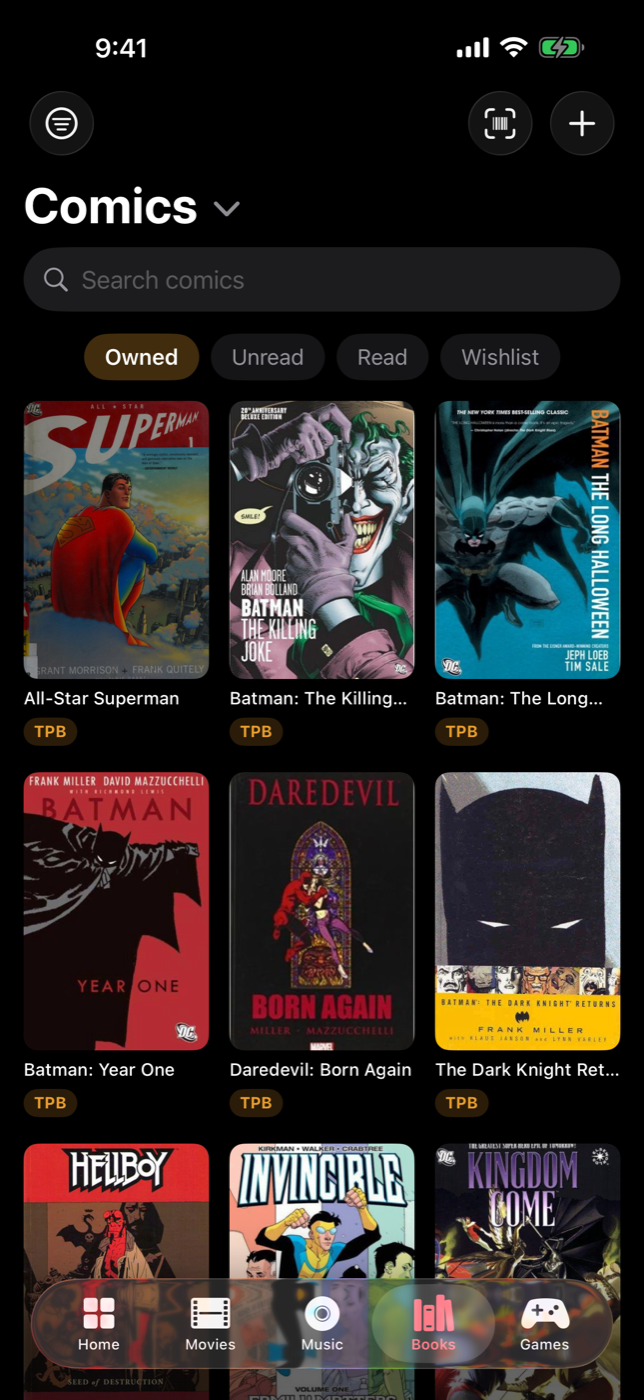
The game shelf
Every generation, one shelf.
From SNES carts to PS5 cases, every platform wears its own color. Track loose, CIB, or sealed, log playthroughs, and watch the retro shelf climb in value.
Real app screenshot: the game shelf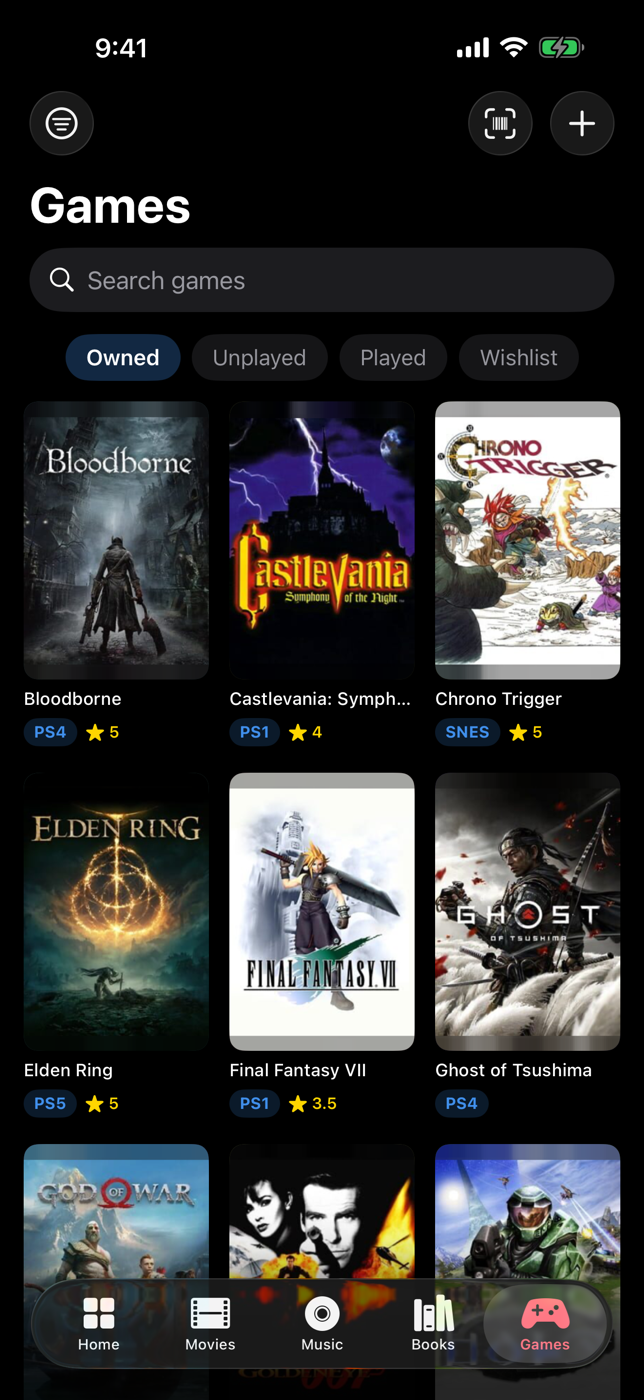
Collection value
Know what it's worth.
Live market values for every shelf, with zero setup: games from PriceCharting, music from Discogs, movies and books from real eBay listings. Condition and CIB grading built in, plus a one-tap insurance PDF of everything you own.
Real app screenshot: music shelf, formats & ratings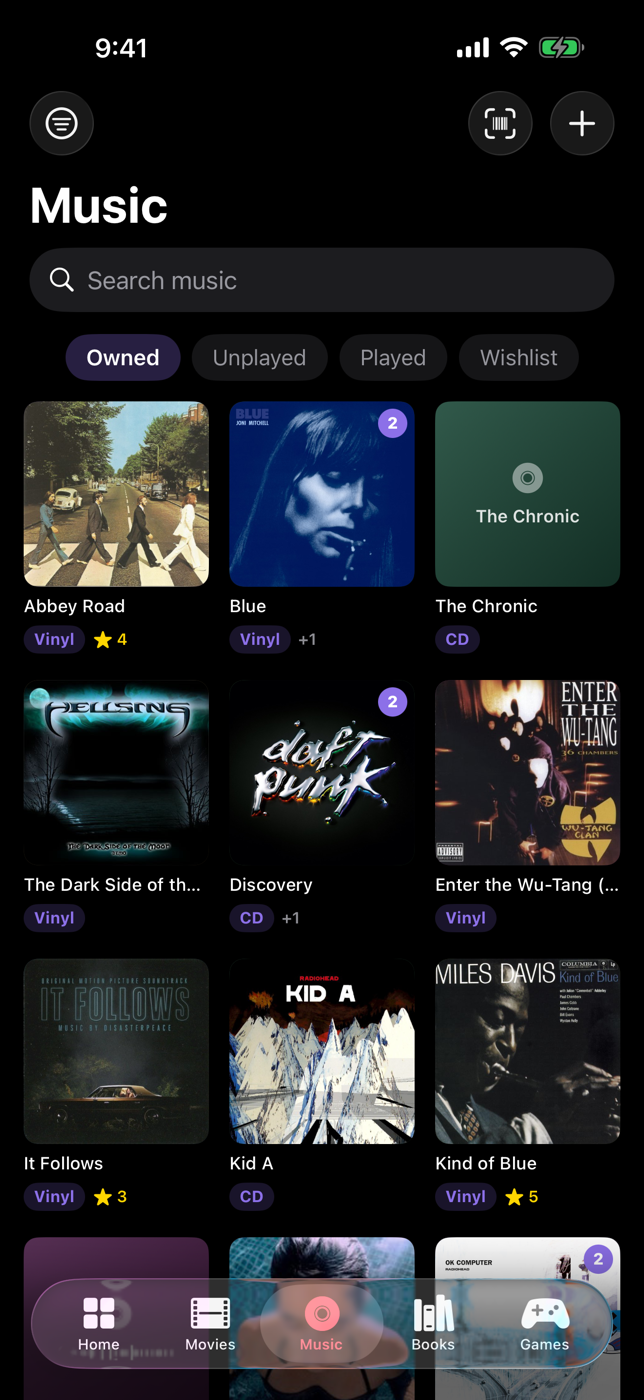
Details that matter
Every disc has a story.
Open any case: the copy's facts in a grid, then one card for what you paid and what it is worth today, with the price you paid drawn as a floor under the value line. Watch history and notes underneath; the trailer, the cast and More Like This above.
Real app screenshot: the item page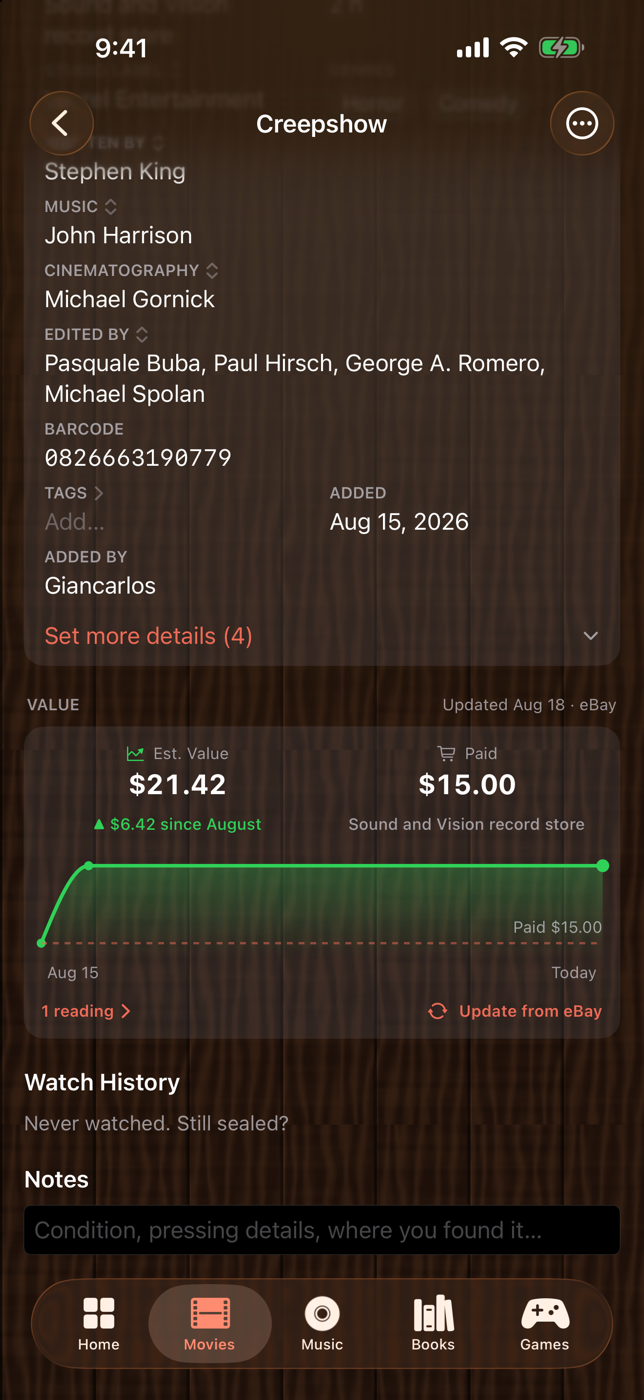
Beyond the case
Go deeper than the disc.
Full cast with photos, one-tap trailers, and More Like This recommendations for what belongs on your shelf next. Wishlist them straight from the row.
Real app screenshot: cast & recommendations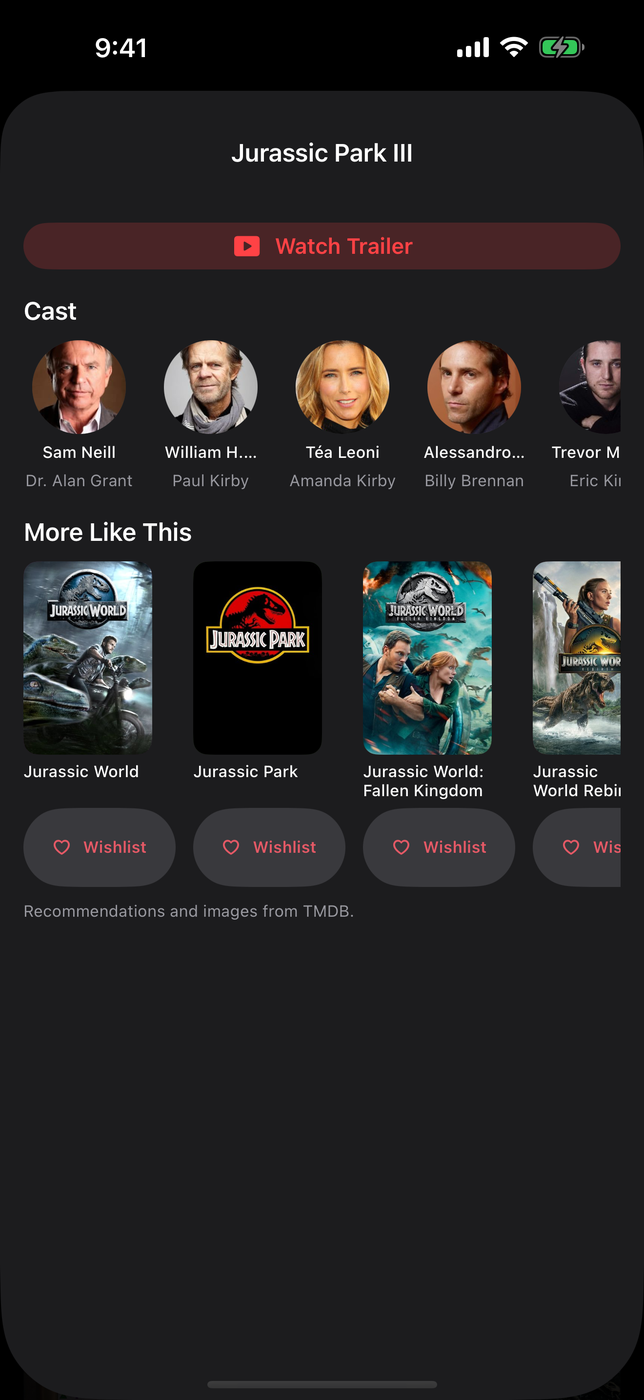
Collector badges
Earn your stripes.
Forty-six badges from First Keeper to completed franchises, each with a share-ready card. And when December rolls around, Collection Wrapped recaps your whole year on the shelf.
Real app screenshot: badge celebration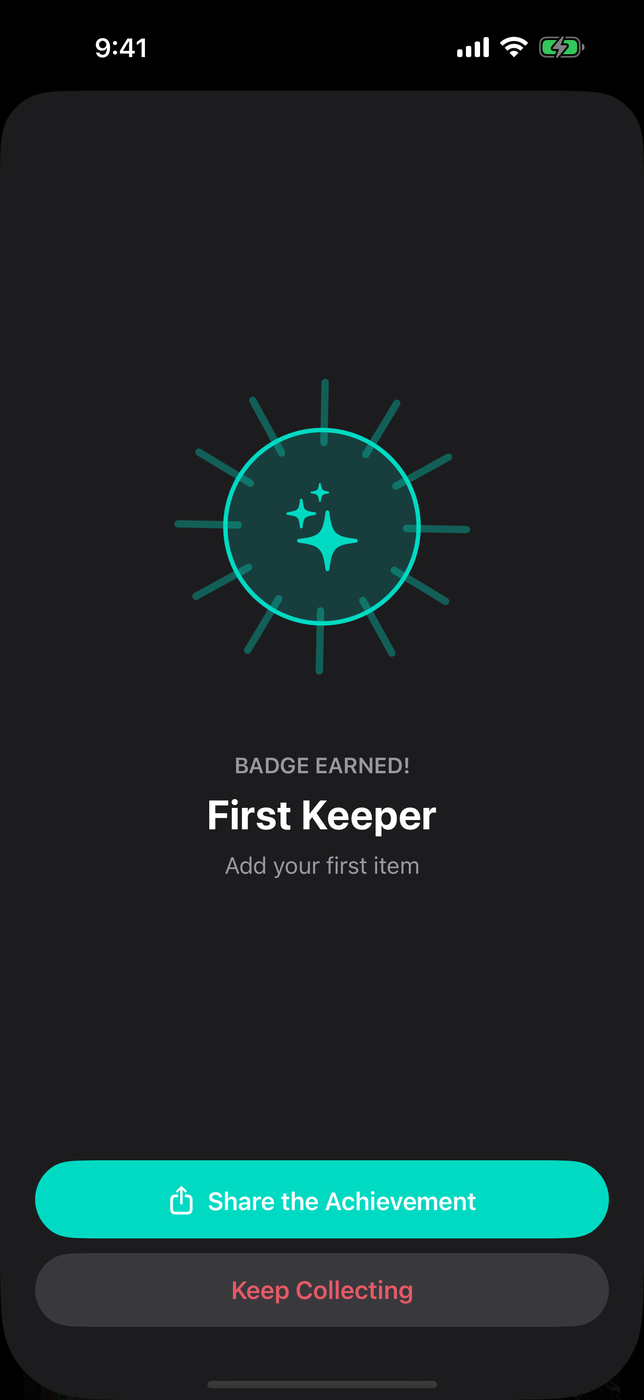
Your year on the shelf
Numbers that tell your story.
Watched, listened, read, and played: Your Year steps back through any year of your collecting life, shelf by shelf, with monthly graphs, top genres, and what the shelf is worth against what you paid for it.
Real app screenshot: Stats & Your Year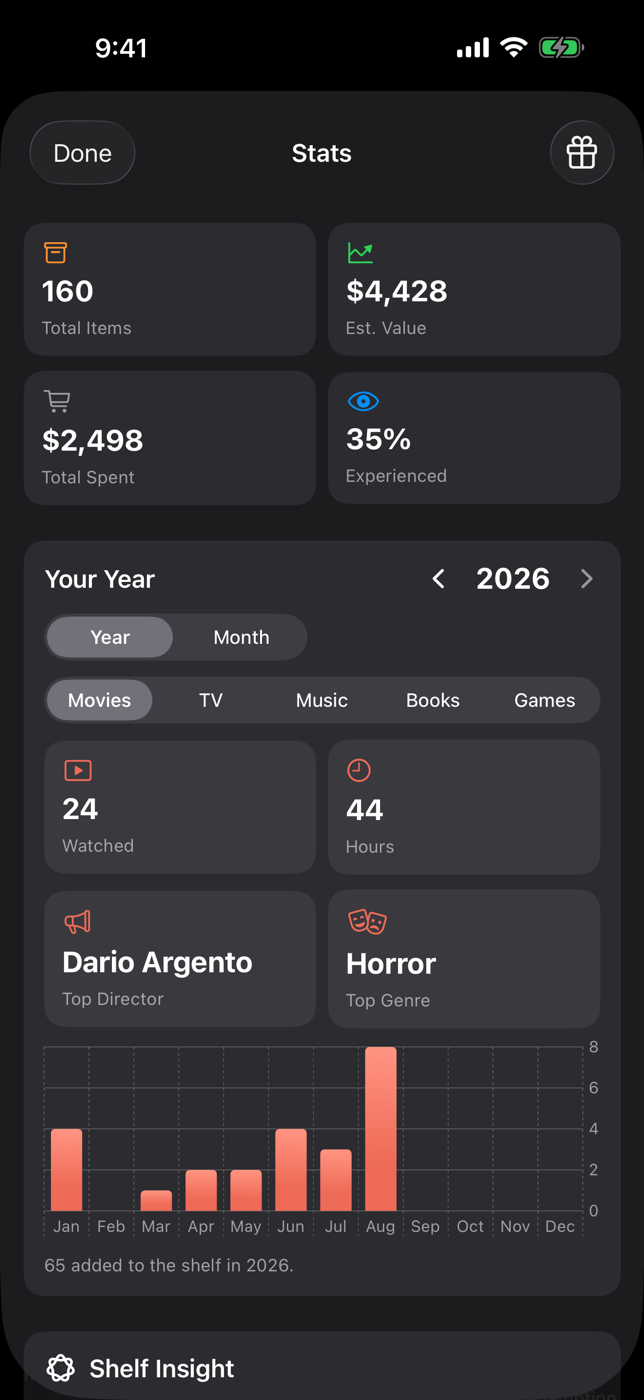
Cloud backup
Yours. Backed up. Not for sale.
Sign in with Apple once and your items, diary, ratings, and cover photos survive a lost or broken phone. Your collection is yours. We don't mine it, sell it, or share it. Deleting your cloud data really deletes it, and CSV export always works.
Real app screenshot: Cloud Backup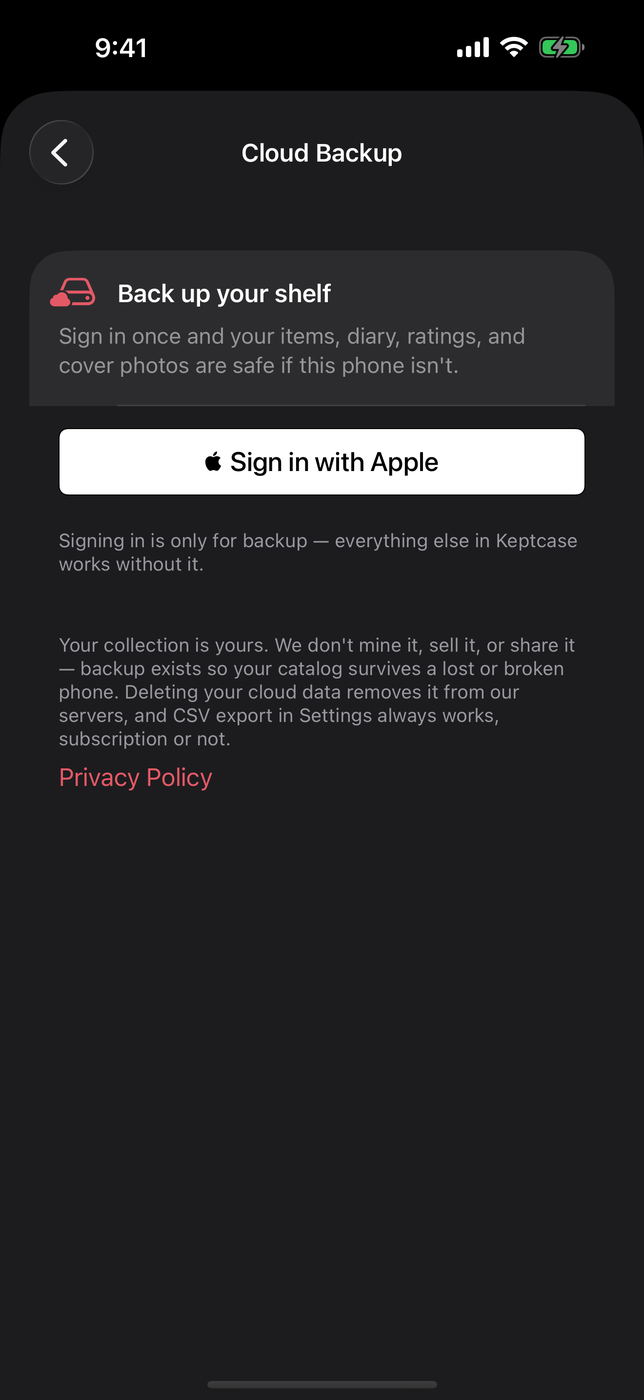
Public shelf link
Share your shelf with anyone.
One link puts your collection on the open web, no app needed on the other end. Perfect for trade lists, insurance records, or just showing off the wall. This one is real. Tap it.
Real page: shelf.keptcase.app, live right now
Keptcase on iPad
The same shelf, on the big screen.
Native on iPad, with one collection on every device you sign in on. Eight covers across, the item page with room for the cast and the trailer, and a trivia night the whole table can read.
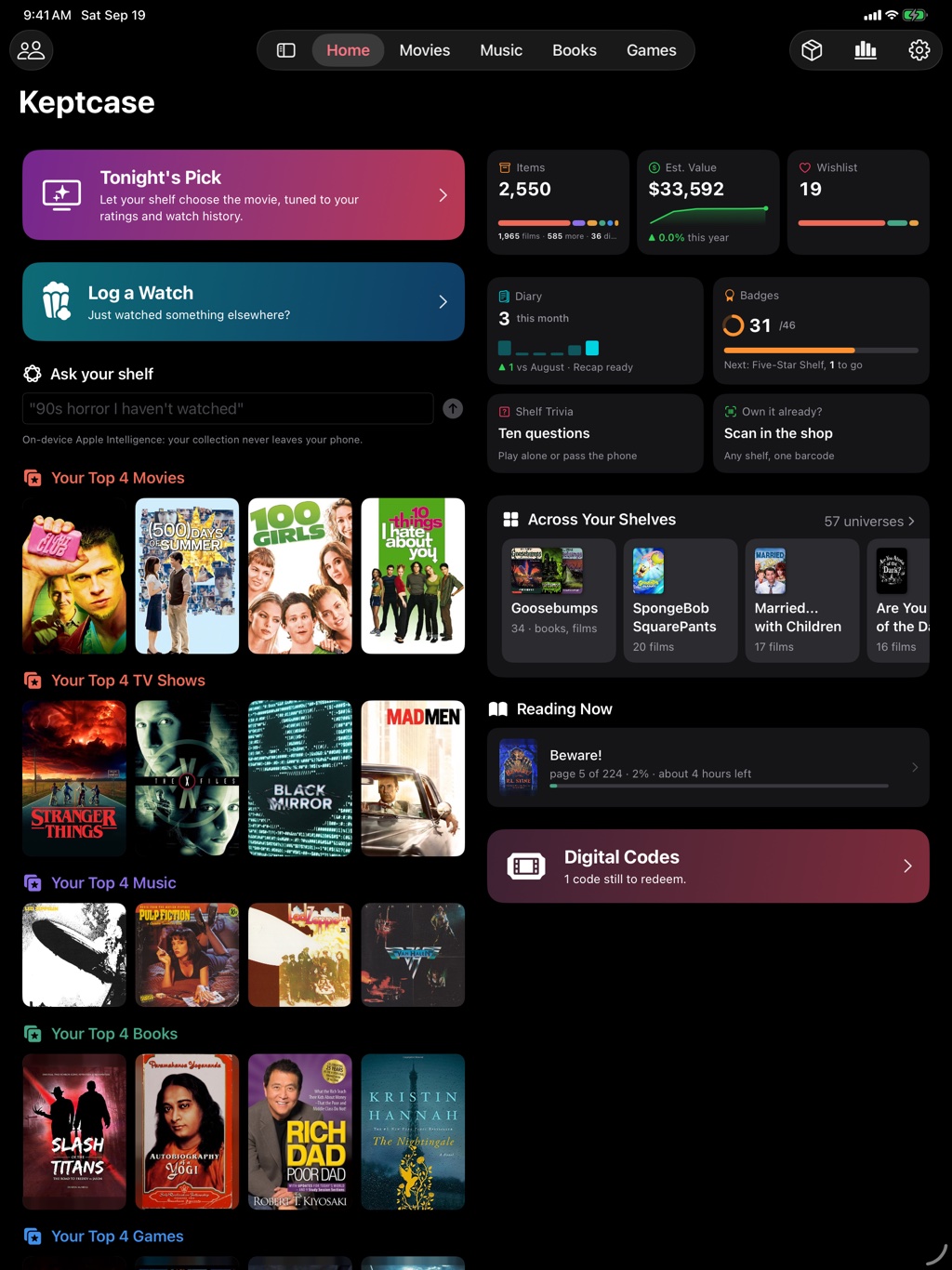
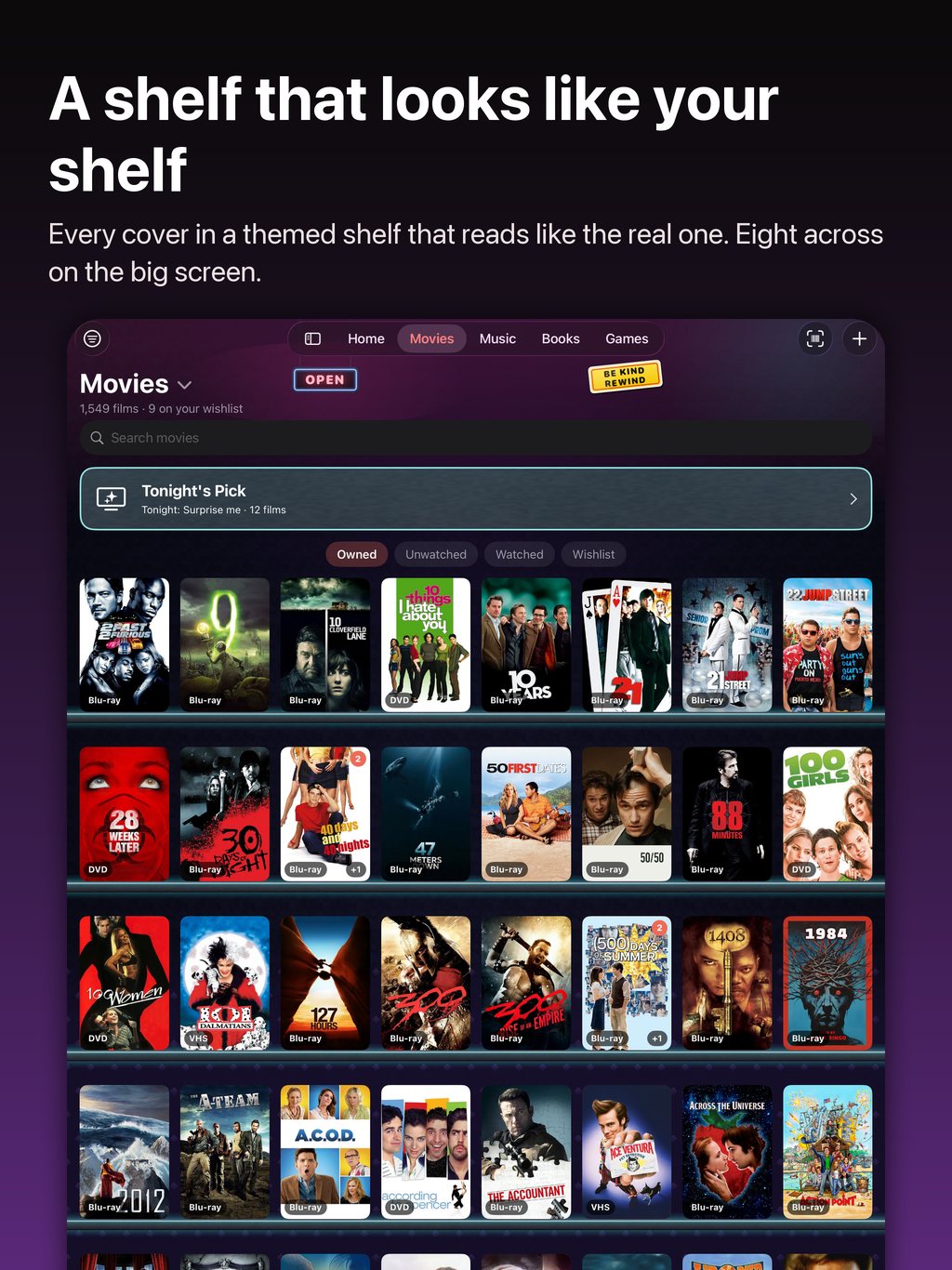
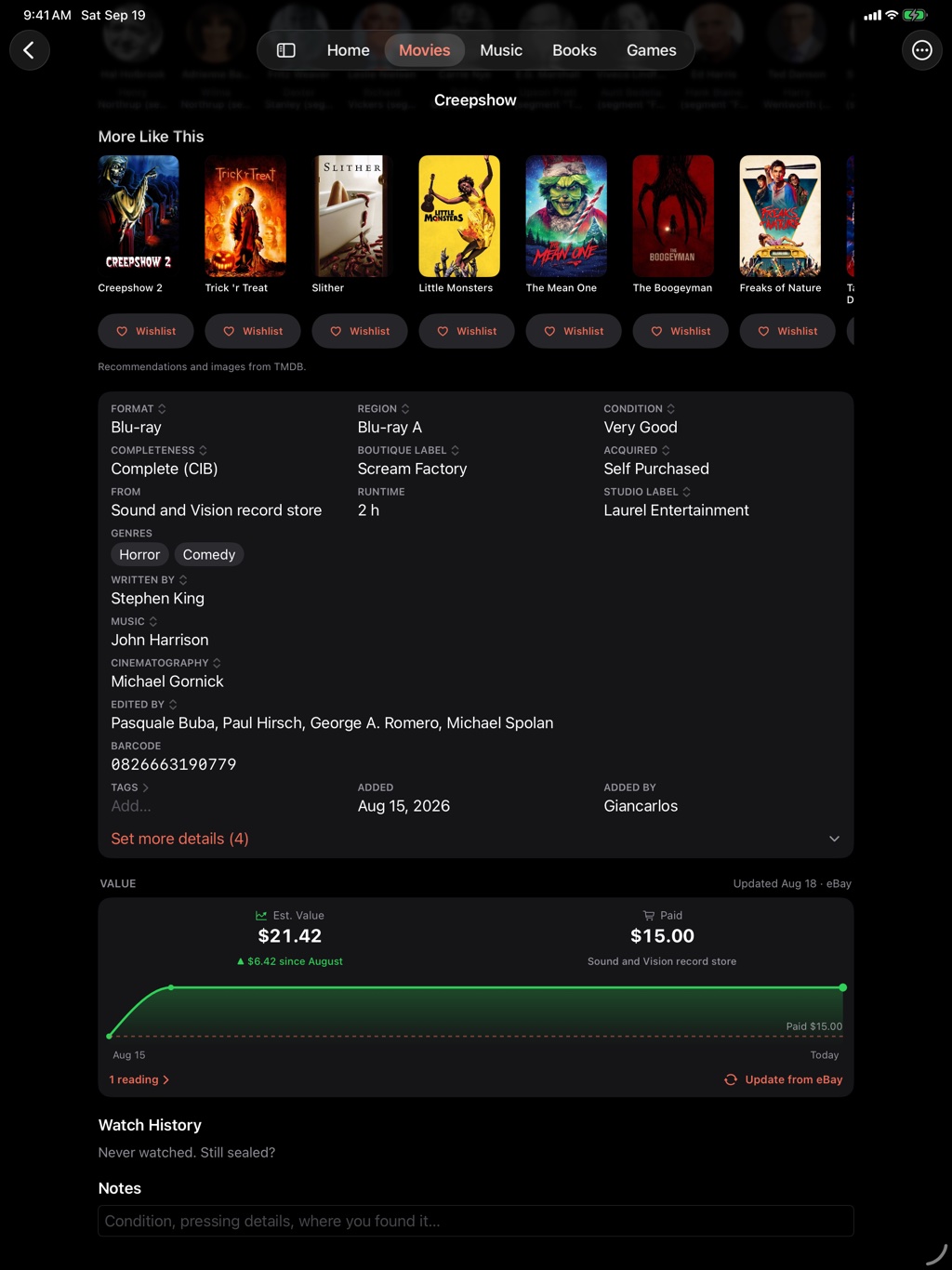
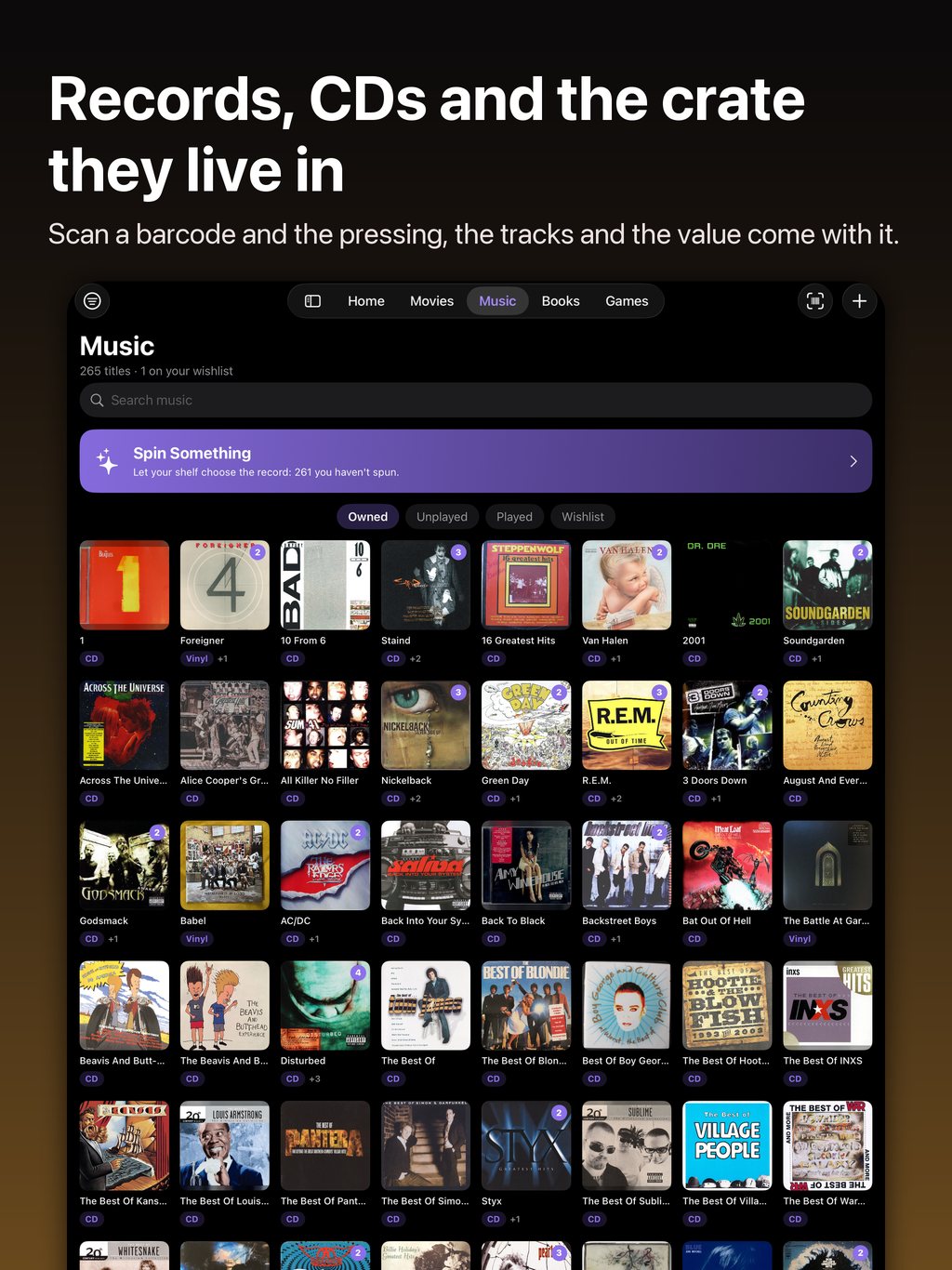
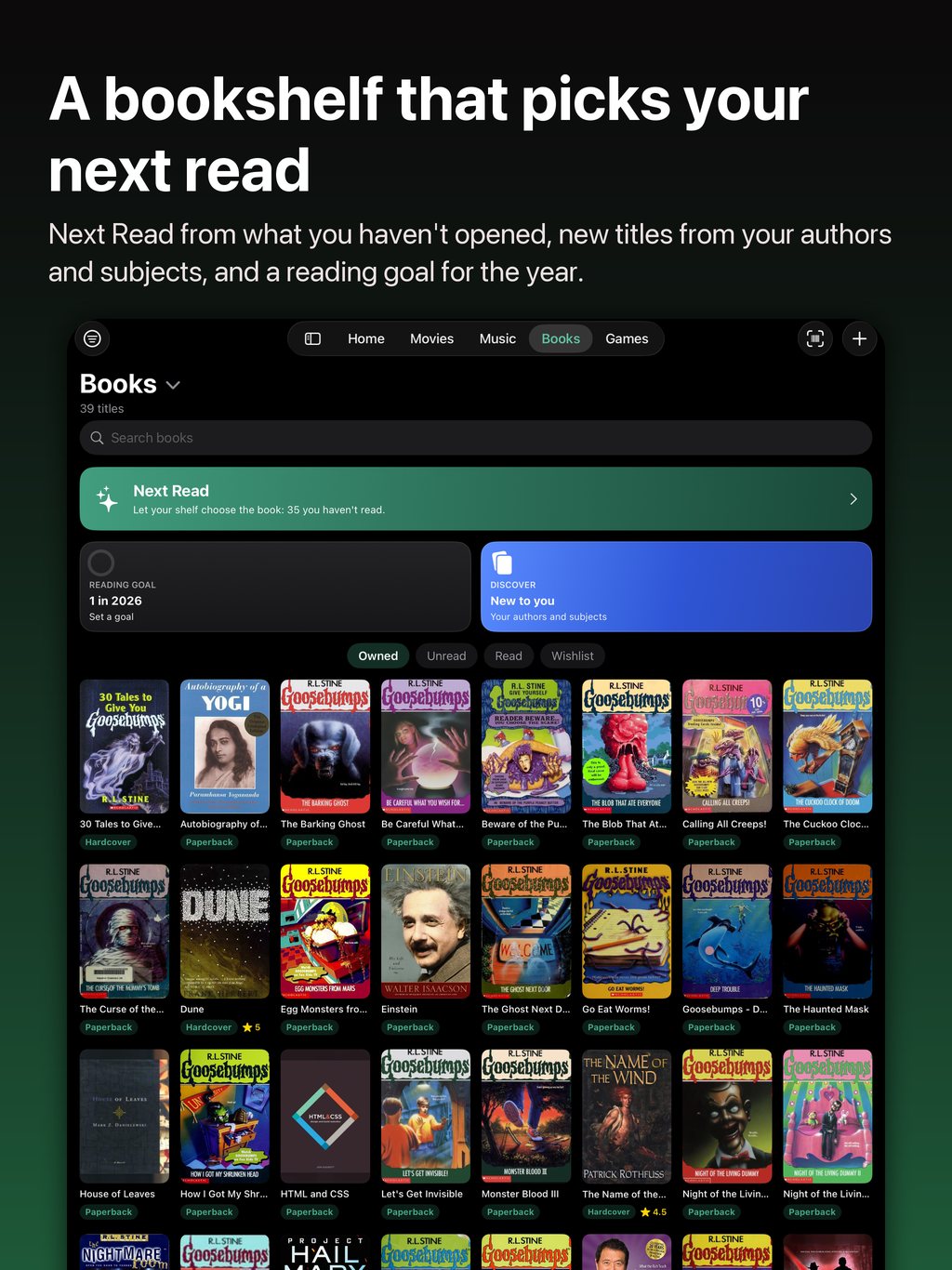
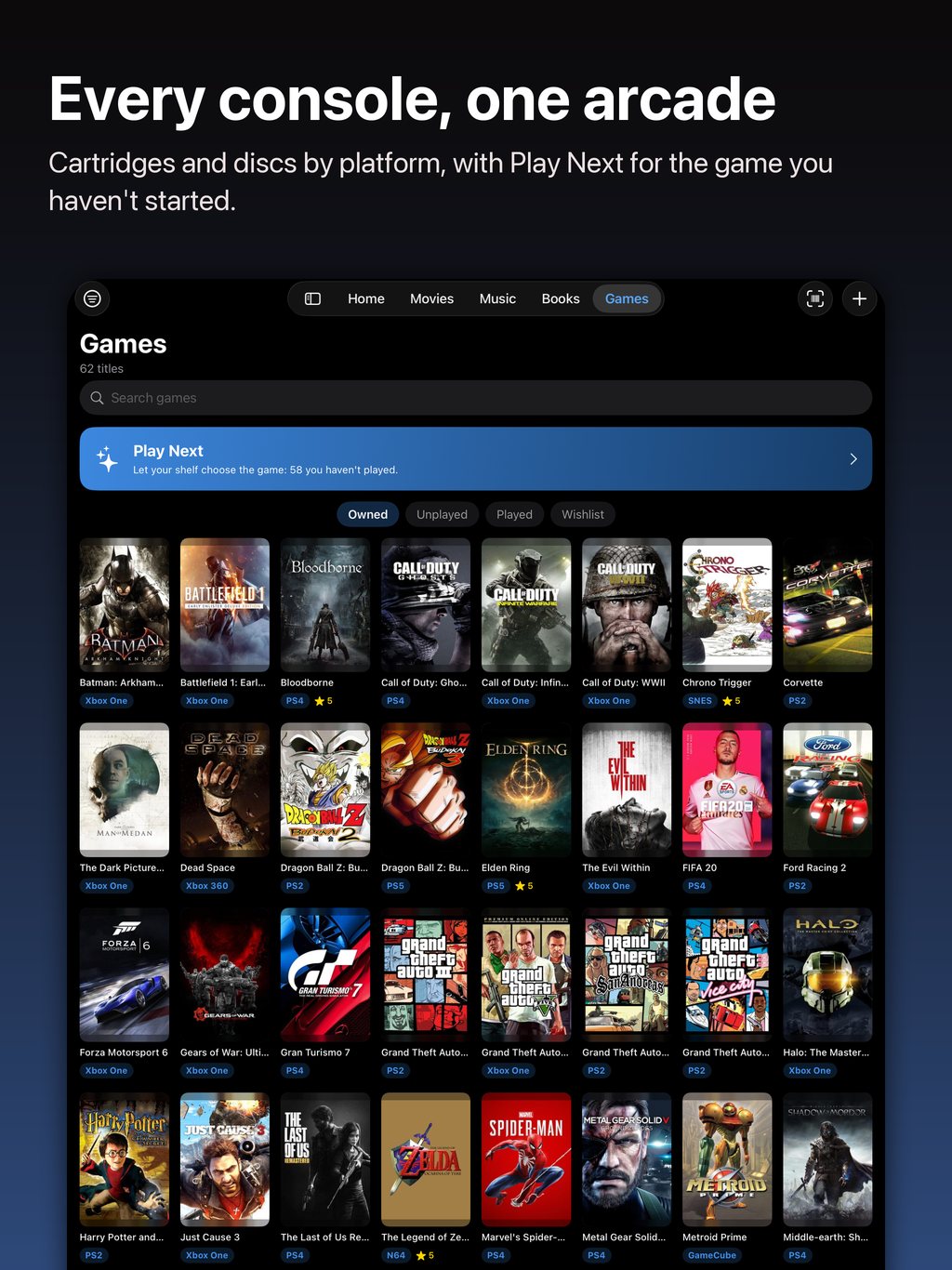
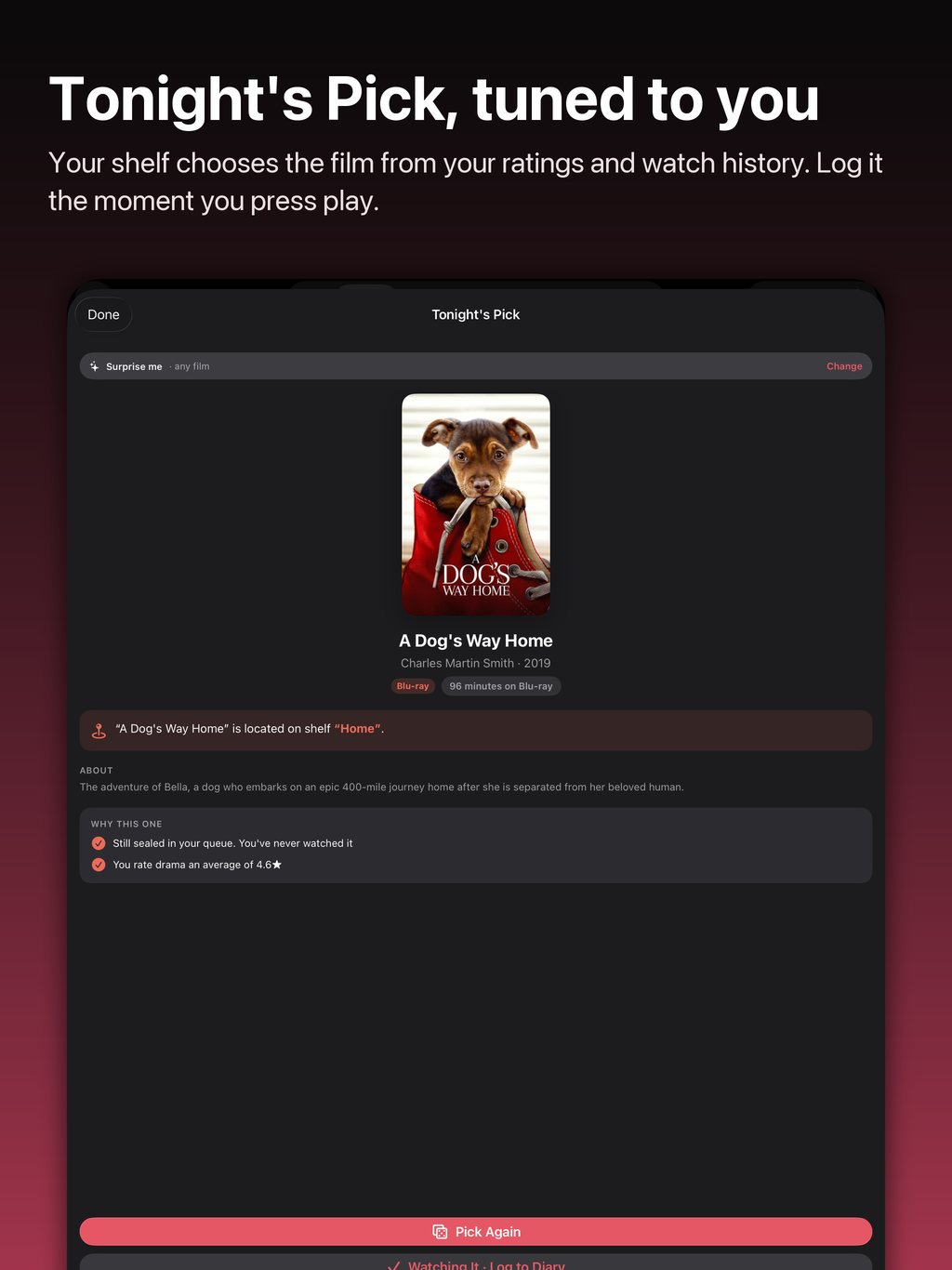
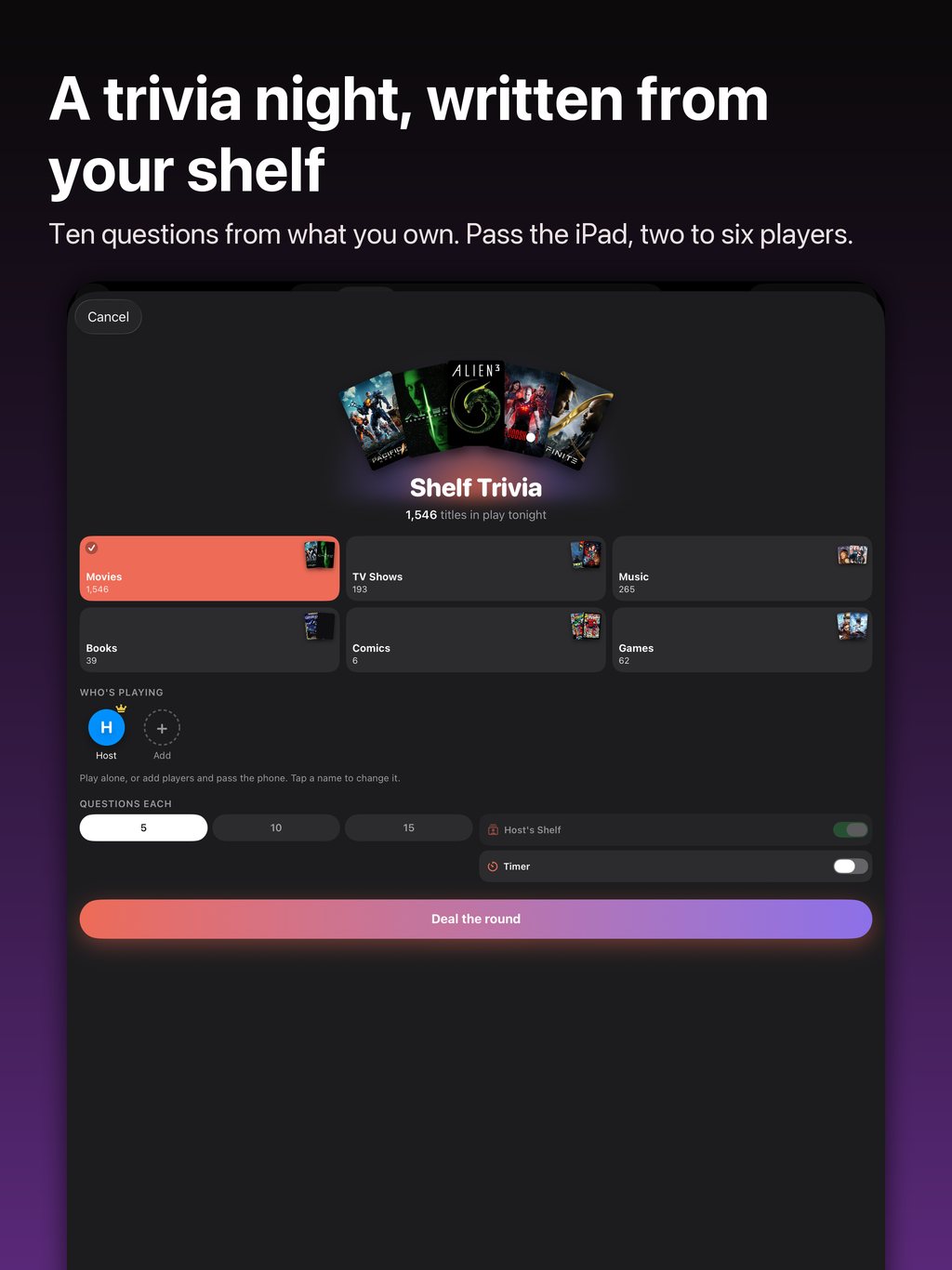
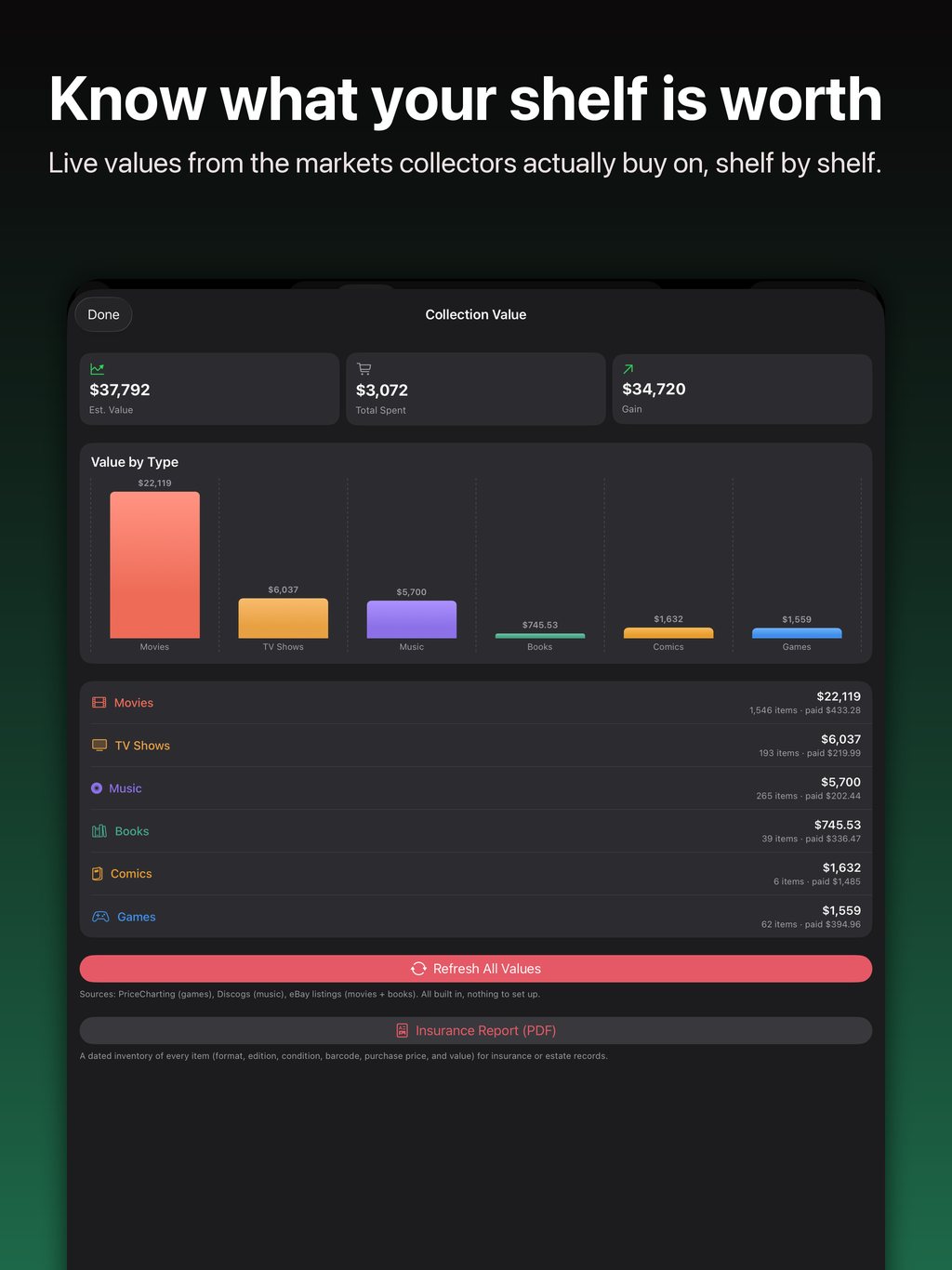
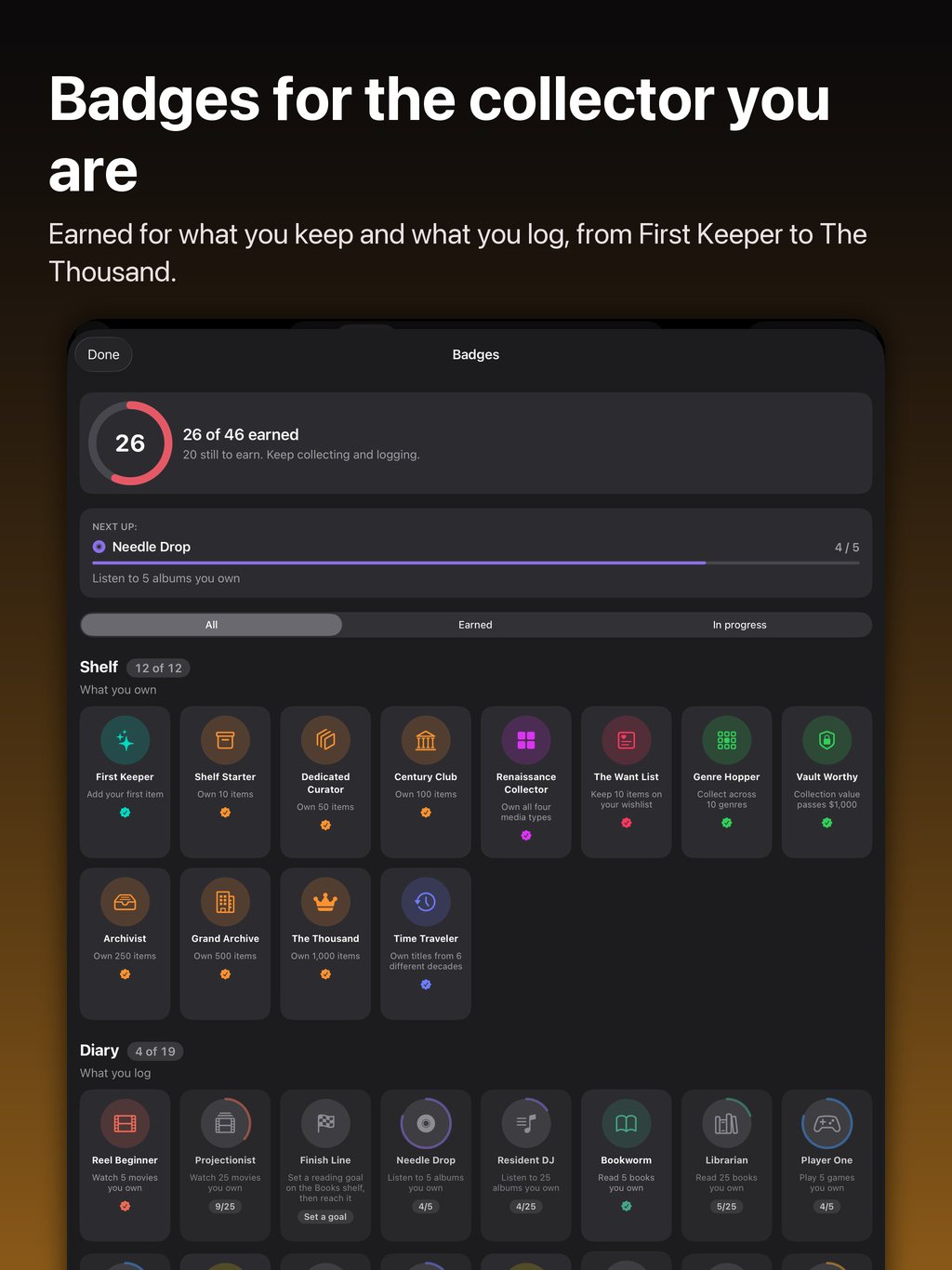
Ten screens from a real collection on a 13-inch iPad. Swipe or scroll sideways.
New in 1.0.11.
Almost everything here began as a letter from someone using the app. All of it is in the App Store build now.
In Check my shelf, take a photo or choose one: a shop's shelf, a convention table or a stack of cases. Every title read from it comes back with your answer beside it, Owned with the formats you have, Wishlist, or New to you with Add. The photo is read on your device, never uploaded, never kept.
Under a title's value card, Find it on eBay opens eBay's current Buy It Now listings for that copy, searched with the same words the value lookup uses, on the eBay site the copy was priced on. Keptcase may earn a commission on a purchase; the price you pay is the same, and nothing from eBay is kept in the app.
Say “Do I own something in Keptcase” and name the title: Siri answers from your shelves, with the formats you have. “What is my Keptcase collection worth” and “How many films do I own in Keptcase” work too, and every title is in Spotlight, so a search from your Home Screen opens its page.
Long-press a widget and tap Edit Widget: At a Glance shows the number you choose, and its medium size shows every shelf. Quick Actions takes any four doors. Tonight's Pick deals a title from a shelf, with Pick Again right on the Home Screen. On a tinted Home Screen the covers keep their colour.
Select Titles on a shelf, tick the ones that share a fact, then Edit and Edit Details: where you bought them, the day and the price, the condition, the region, the packaging, the label, a shelf location, tags. A blank row leaves each title as it is. A universe page has Add Titles, and Set Universe writes one name onto everything you ticked, so a thousand comics can say DC in one go.
On a universe page or a series page, Edit Order lists the titles with handles to drag, and Use Release Order puts the catalogue's order back. The purchase price has a currency beside it, so a title keeps the money you actually paid in. A shared cover photo says whether it shows the case, the slipcover, the steelbook or a box, and a record's Also in the case offers Cassette. A big collection opens behind the launch screen and never holds up the launch.
Try it free for 7 days.
Then one price for every shelf, with no per-hobby stacking.
Annual
$39.99 / year
Works out at $3.33 a month, less than a single Blu-ray, for every shelf you own.
Monthly
$4.99 / month
Cancel any time from your Apple Account settings.
Your collection lives on your iPhone. Cloud backup is optional and off until you turn it on, and signing in uses Sign in with Apple. No tracking, no ads, nothing sold, ever. If your subscription ends, your collection stays on your phone. You can still browse it and export it to CSV. Adding, scanning, values, backup and the rest need an active subscription.
Payment is charged to your Apple Account at confirmation of purchase. Subscriptions renew automatically unless auto-renew is turned off at least 24 hours before the end of the current period. Manage or cancel in your Apple Account settings.
FAQ · Terms of Use · Privacy Policy
Keptcase is on the App Store
Free to download. Native on iPhone and iPad, one collection on both. Scan your first disc in about a minute.
Version 1.0.11 is out: check a shop's shelf from a photo, find a copy on eBay, ask Siri what you own, edit many titles at once, put a saga in your own order, and widgets you can edit.

Android is coming. Leave your email and hear the day the first build is ready to try.